To code qualitative interviews with AI in Skimle: add your transcripts (or audio and video for automatic transcription) as a data source, run an automatic analysis to code every passage into categories and sub-categories with verified quotes, review and refine the codes in the categories and table views, slice by participant metadata, and export to Word, Excel, or REFI-QDA. Most projects are coded in minutes.
This is the practical companion to our conceptual guides on how to code qualitative interviews with AI and how to code interview transcripts. Here we walk through the actual steps in Skimle, from raw recordings to a reviewed, exportable code structure. If you have not used Skimle before, the what is Skimle overview is a useful primer.
Step 1: Add your interviews as a data source
Everything you analyse in Skimle enters a project as a data source. Create a project, then add a data source that matches your material:
- Text documents for transcripts you already have (PDF, DOCX, RTF, TXT).
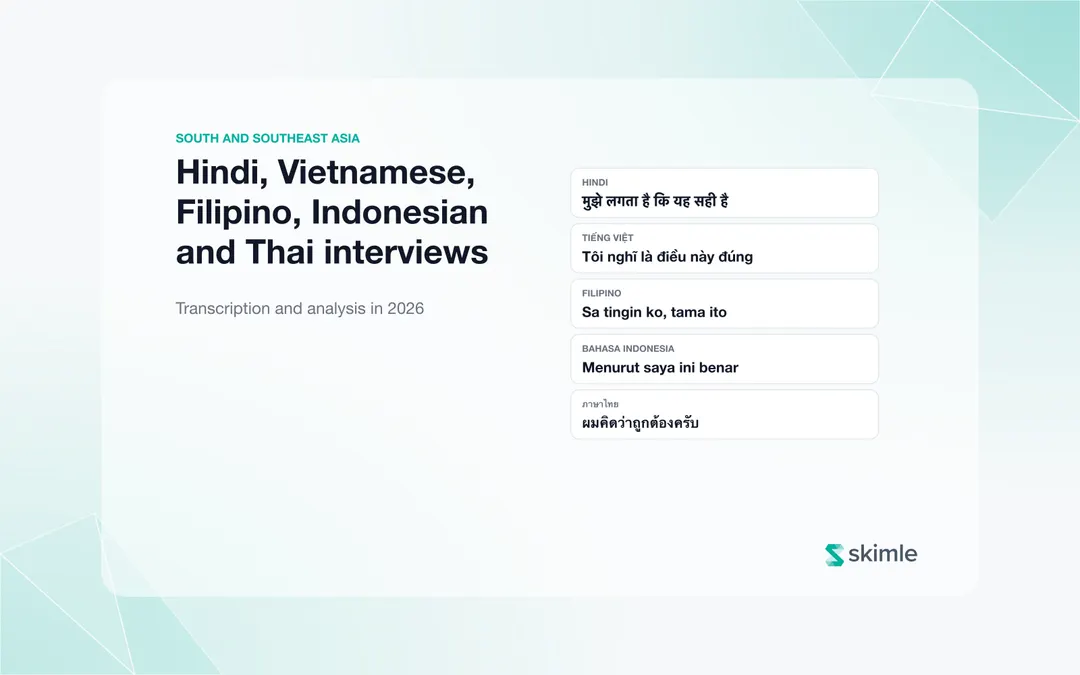
- Audio or video to upload recordings directly. Skimle's built-in transcription converts them into documents with speaker labels, in more than 100 languages, and keeps everything in one place, so there is no separate transcription tool to manage.
- Tabular data for a spreadsheet of open-text responses, where each row becomes a document.
You can mix types in one project, for example interview transcripts alongside a CSV of survey verbatims. Confirm the files to bring them in; this is the point at which credits are used.
Anonymise first if the data is sensitive
If your interviews contain personal data, turn on Skimle Anonymise on the data source before analysis. It detects names, roles, locations, organisations and dates, pseudonymises them consistently across every transcript, and produces an audit trail for ethics boards, all inside the same project rather than as a separate step.
Step 2: Choose your coding approach
Open the Analyses section and add an analysis. The mode you pick decides how your interviews are coded.
| You want to... | Choose | Coding style |
|---|---|---|
| Let themes emerge from the interviews | Automatic thematic analysis | Inductive, zero-prompt |
| Apply an existing codebook | Predefined categories | Deductive |
| Answer a specific research question in depth | Agentic analysis | Question-driven |
For a first pass on interview data, automatic thematic analysis is the usual starting point: it builds a category structure from the questions and topics in your transcripts without any prompt.
Step 3: Let Skimle code every transcript
When you run the analysis, Skimle reads each transcript roughly a page at a time, extracts insights, and attaches the exact supporting quote to each one. Every quote is verified against the source text, so nothing is coded that the transcript does not actually say. It then organises the insights into a category hierarchy and writes a summary for each category. You can read the mechanics in how analysis works.
Because the pipeline is built from many small, checked passes rather than one large prompt, it does not run out of context on a big interview set, and coding 20 to 30 interviews typically completes in minutes rather than the weeks manual coding would take.
Step 4: Review and refine your codes
AI does the systematic first pass, but you make the analytical decisions. In the Explore & edit section you have several views for this:
- The categories view shows one category at a time with its summary, its supporting insights, and the documents behind it. Every bracketed reference is clickable, so you can check any claim against its source quote.
- The table view lays your interviews out as rows and categories as columns, so you can scan how codes distribute at a glance.
- The documents view shows a full transcript with its coded quotes highlighted inline.
Here you rename codes, merge overlapping categories, split ones that are too broad, and drag insights to a better home. You can also add codes the AI missed by selecting text in a transcript and coding it manually. See working with insights and managing categories.
Step 5: Slice your codes by participant metadata (optional)
Coding is most useful when you can compare subgroups. Add participant attributes (role, tenure, segment, site, date) as metadata, and Skimle's metadata analysis surfaces which themes concentrate in which groups and flags where the difference is statistically meaningful. The Visualisations let you explore these patterns interactively, with heatmaps, distributions, and timelines across your whole corpus.
This is where "a lot of people mentioned onboarding" becomes "onboarding difficulty was raised by 90 per cent of new joiners but only 30 per cent of tenured staff," which is the kind of specific, defensible finding that changes decisions.
Step 6: Export as reports, or continue with legacy tools NVivo
When the coding is ready, the Export centre produces the format your workflow needs:
- Word for a structured report with summaries and quotes.
- Excel for a coding matrix of documents against categories.
- PowerPoint for an evidence-backed deck.
- REFI-QDA to continue in NVivo, MAXQDA, or ATLAS.ti, with your full code hierarchy and every coded segment preserved.
The REFI-QDA route matters for teams who do their final coding by hand: let Skimle do the heavy first pass, then finish in your usual environment. We describe this hybrid pattern in combining AI analysis with manual REFI-QDA workflows.
How is this different from pasting transcripts into ChatGPT?
A general chatbot summarises text; it does not code it. Ask ChatGPT for the themes in a set of interviews and you get a fluent answer, but the codes vary from run to run, quotes can be invented, and long interview sets overrun its memory. Skimle instead runs many small, checked passes and verifies every quote against the source transcript, so the coding stays consistent and auditable. We cover the evidence for this gap in how to code qualitative interviews with AI and whether ChatGPT can analyse qualitative data.
A practical tip for interview projects
Start broad, then refine. On the first run, let the automatic analysis build the structure, then spend your time in the categories view merging and renaming rather than trying to specify the perfect codebook upfront. If you already have a fixed framework, use predefined categories instead. And if you collect new interviews later, add them to the same project and re-run, so the analysis grows with the study rather than being rebuilt each time.
Frequently asked questions
How long does it take to code interviews in Skimle?
Most projects are coded in minutes once the transcripts are confirmed. A set of 20 to 30 interviews that would take weeks to code by hand is usually processed in the time it takes to make a coffee, though reviewing and refining the output is where you should still spend real time.
Does Skimle transcribe audio and video, or do I need a separate tool?
Skimle transcribes audio and video directly as part of the data source, with speaker identification and support for more than 100 languages. There is no separate transcription service to manage or import from.
Can I use my own codebook instead of AI-generated codes?
Yes. Choose predefined categories and define your codes upfront; Skimle applies them across every transcript. You can also blend approaches by adding your own codes after an inductive run.
Is every code backed by a real quote?
Yes. Each insight is tied to a verbatim quote that is verified against the source transcript, and every reference in a summary is clickable back to that quote, so you can audit any finding. We call this two-way transparency and it's in the core of Skimle's design.
Can I move my coded interviews to NVivo or MAXQDA?
Yes, via REFI-QDA export. Your documents, code hierarchy, and coded segments transfer intact into any tool that supports the standard.
Ready to try it on your own interviews? Try Skimle for free and code your first set of transcripts with verified quotes and full traceability, then export to Word, Excel, or REFI-QDA.
Want the methodology behind the walkthrough? Read how to code qualitative interviews with AI and how to code interview transcripts, or see how Skimle fits academic research.
About the authors
Henri Schildt is a Professor of Strategy at Aalto University School of Business and co-founder of Skimle. He has published over a dozen peer-reviewed articles using qualitative methods, including work in Academy of Management Journal, Organisation Science, and Strategic Management Journal. His research focuses on organisational strategy, innovation, and qualitative methodology. Google Scholar profile
Olli Salo is a former Partner at McKinsey & Company where he spent 18 years helping clients understand the markets and themselves, develop winning strategies and improve their operating models. He has done over 1000 client interviews and published over 10 articles on McKinsey.com and beyond. LinkedIn profile