Creating your account
How to sign up for Skimle and set up your workspace.
To get started with Skimle, create an account. You can sign up with your email address or use Google account (single sign-on).
You begin by entering your email and password
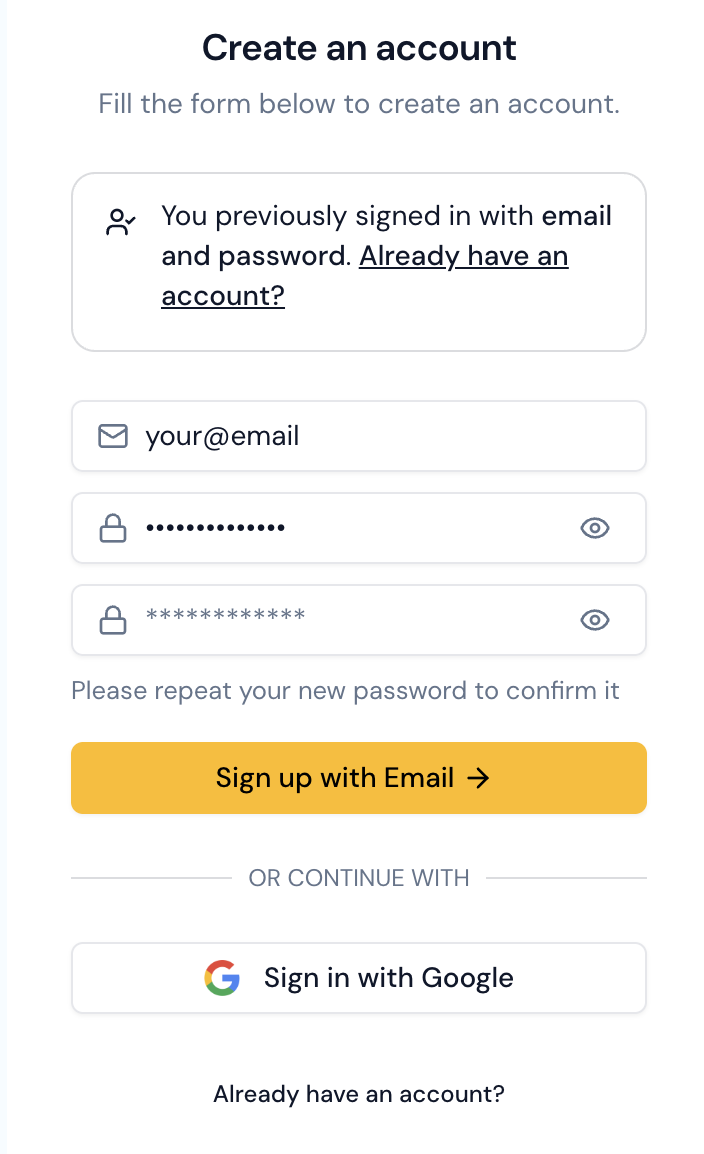
You then click the link in the email to start onboarding
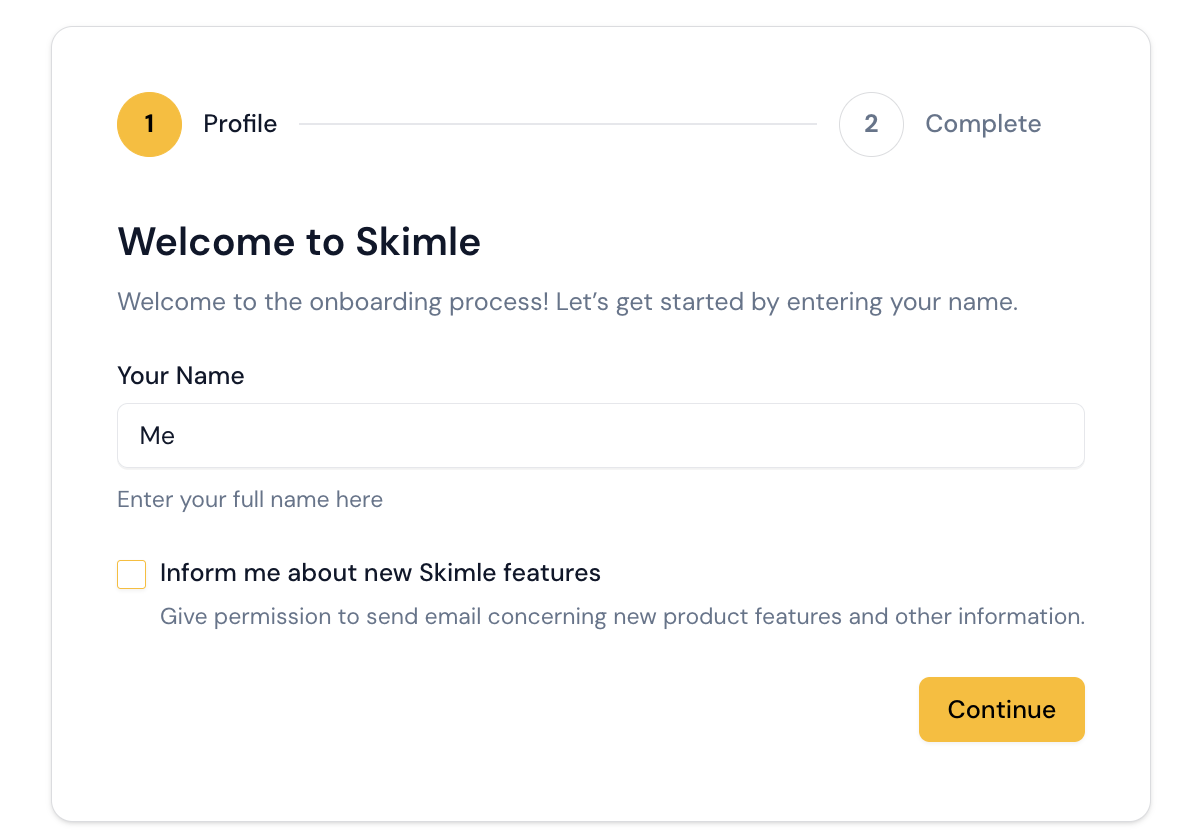
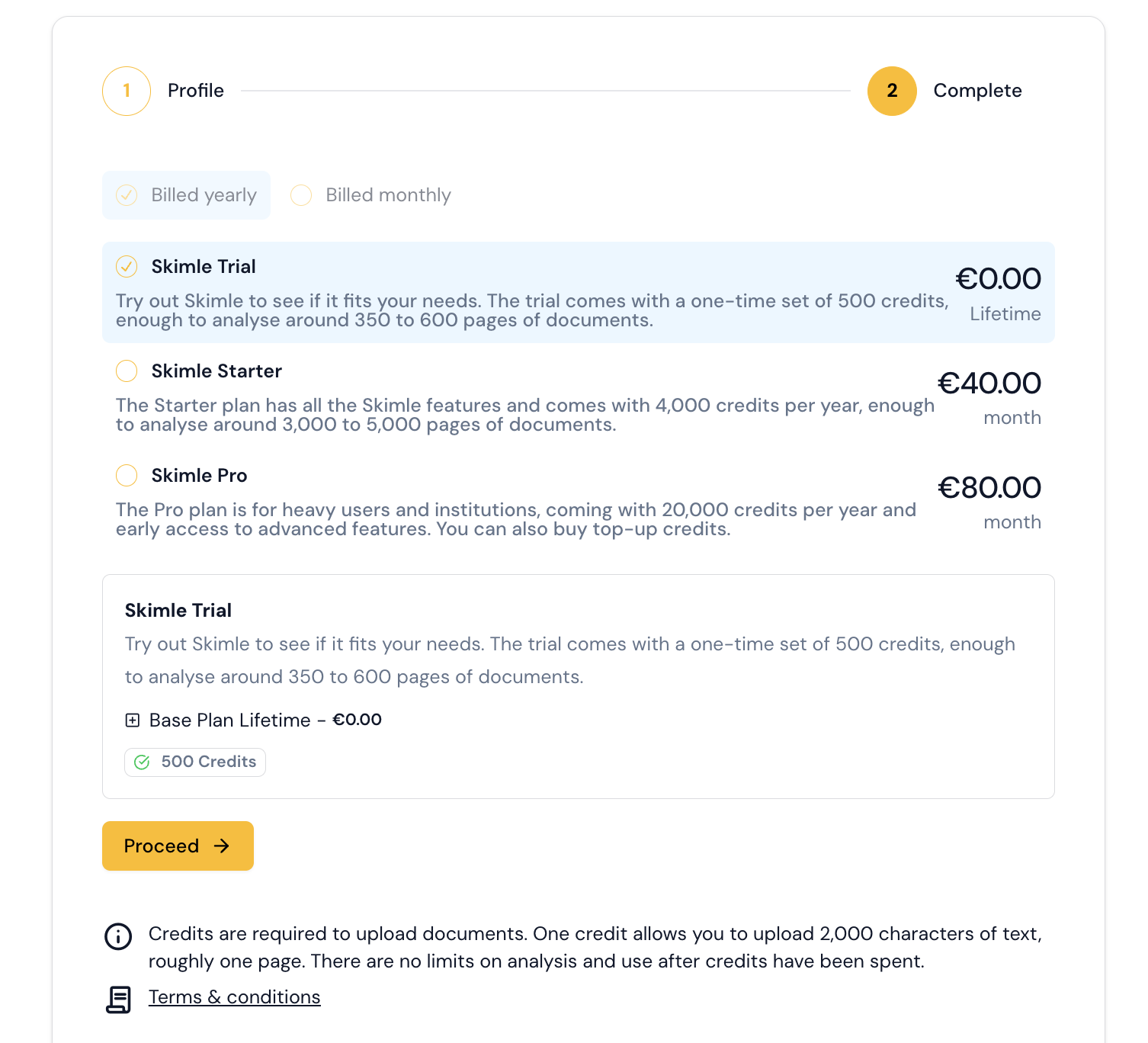
You then select your subscription plan
You then confirm your payment with Stripe; trial accounts do not require credit card details (we HATE that too)
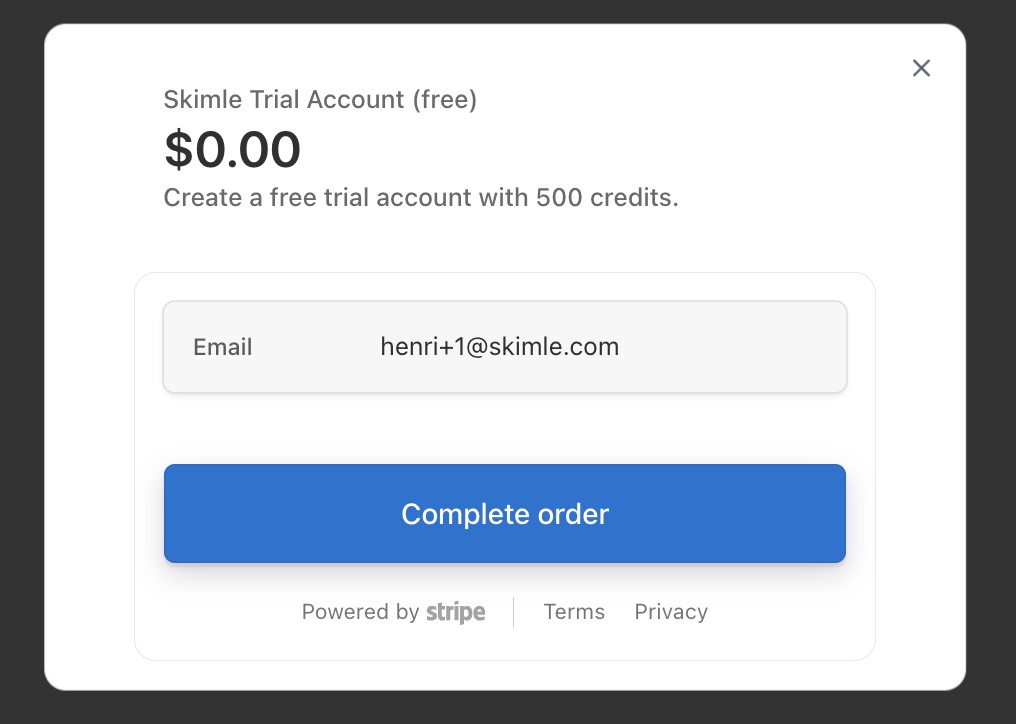
Free trial
Every new account includes a free trial so you can test the service before committing. Upload a few documents, explore the analysis views, and see how Skimle works with your data.
Subscriptions and pricing
When you're ready, choose a subscription that fits your needs. Skimle's pricing is based on the volume of documents you analyze, following a clear value-based model — you pay for what you use. You can view the available plans and upgrade at any time from your account settings. Not sure which plan fits? Book a demo and we will walk you through it.
Once your account is set up, head over to your first project to get started with an analysis.