Creating an Ask project
How to create a new Skimle Ask project for collecting responses.
Skimle Ask lets you create AI-powered conversational interviews that adapt to each respondent's answers. An Ask survey is a data source within a project: the responses become documents you can analyse alongside the rest of your data.
Starting a new Ask survey
- In your project's Data sources section, click New data source and choose Skimle Ask survey.
- Describe your research topic in the text field. For example: "User experience of our new mobile app" or "Employee satisfaction with remote work policies".
- Click Create Skimle Ask survey.
Skimle uses your topic description to automatically generate a set of starter questions. You are taken directly to the question editor where you can review and refine them.
What happens next
After creation, your project is ready for editing. From here you can:
- Refine your questions using the AI-assisted editor.
- Configure project settings such as language, privacy, and respondent experience.
- Share the interview link with participants when you are ready.
Project settings
You can configure your project from the settings panel in the question editor:
- Language — the primary language for the interview. Respondents see questions in this language by default.
- Translation languages — additional languages respondents can choose from when starting the interview.
- Anonymise results — hide respondent email addresses from the results.
- Suggested time — indicate to respondents how long the interview should take (5, 10, 20, or 40 minutes, or no limit).
- Vocabulary — custom terms or context that help the AI understand your domain.
- Privacy notice — a custom GDPR notice or the standard Skimle template.
Researcher information
In the About section, you can add details shown to respondents before they begin:
- Your name, email, and photo.
- A website URL for more information.
In addition, you can configure a short motivational Intro message explaining why you are conducting the research on the left-hand pane above the questions.
The information you provide about yourself and your research helps build trust with respondents and motivates the to share their insights.
Managing your Ask surveys
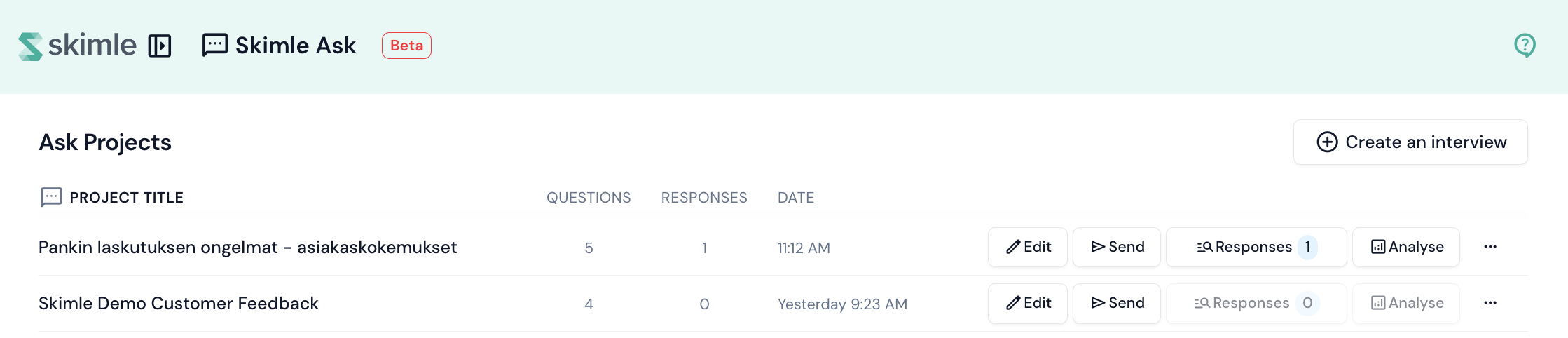
Each Ask survey appears as a data source card in its project's Data sources section. From the card you can:
- Edit the survey to update its questions or settings.
- Send to get the respondent link.
- Responses to view collected answers.
- Analyze the responses as part of the project (see viewing & analyzing responses).
- Delete the survey (with confirmation).