Sharing projects & permissions
Share projects with collaborators and manage permissions.
Skimle is designed for teamwork, with project sharing with one or more collaborators. These features are currently limited to organizational customers (see pricing for team plans), but we are expanding the functionality to all paid accounts in the near future.
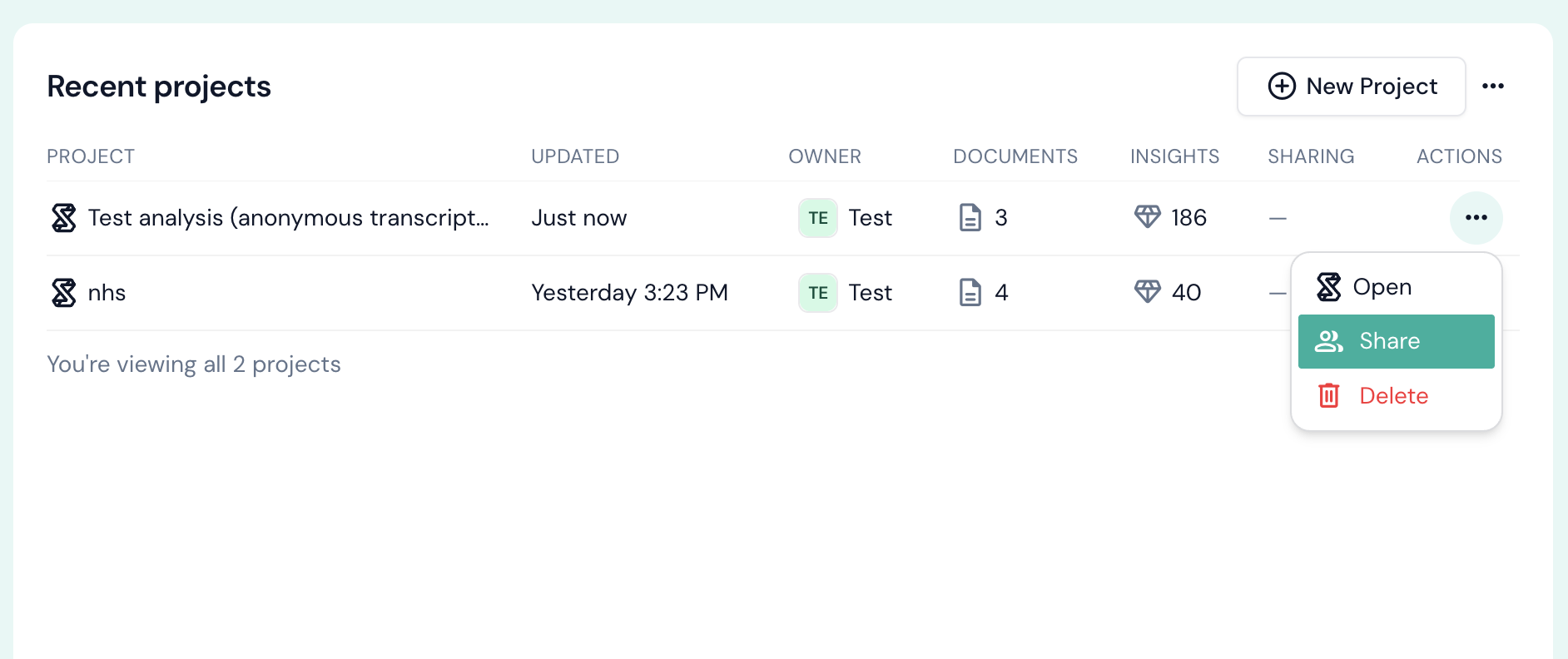
Sharing projects from Skimle home screen
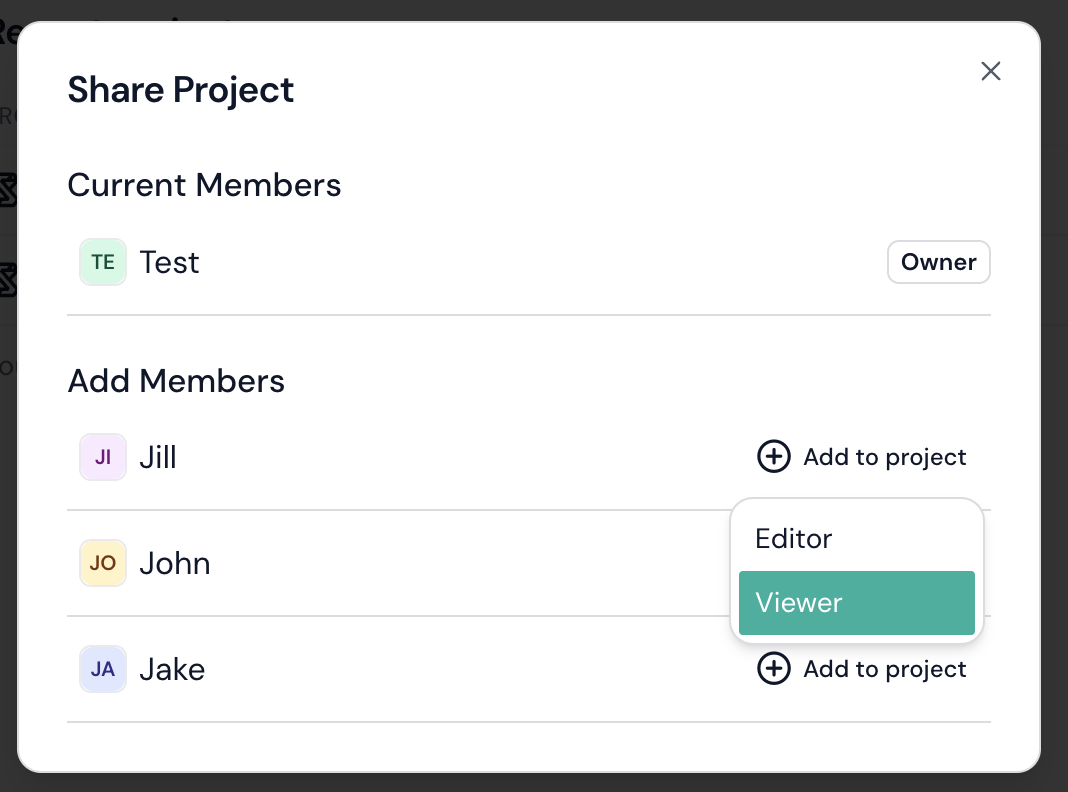
Selecting collaborator rights
You can add your team members to the project by clicking the "Add to project" button and selecting the appropriate rights.
Viewer rights can only open and view the project, but cannot upload new documents, move or add insights, or modify tags and notes. Editor rights can edit the project contents. They can add new files if they belong to the same organization as the project owner.
Removing collaborators
You can use the same "Share" dialogue to remove collaborators from your project or change their rights between viewer and editor.
