Supported file formats & CSV import
File formats supported by Skimle for document upload and CSV import.
You add files to a project through a data source. The formats below are supported; audio and video are handled by the Audio or video data source, which transcribes them for you.
Document upload
A Text documents data source supports the following file formats:
- DOCX
- RTF
- TXT
For importing multiple documents at once, we support CSV (comma-separated values) and Excel files through a Tabular data data source.
CSV and Excel import
Often your data is in a spreadsheet format or inside another service that exports data in CSV format, where every row corresponds to a distinct document. Skimle supports importing these files directly into your project as a Tabular data data source, with columns containing either content or metadata.
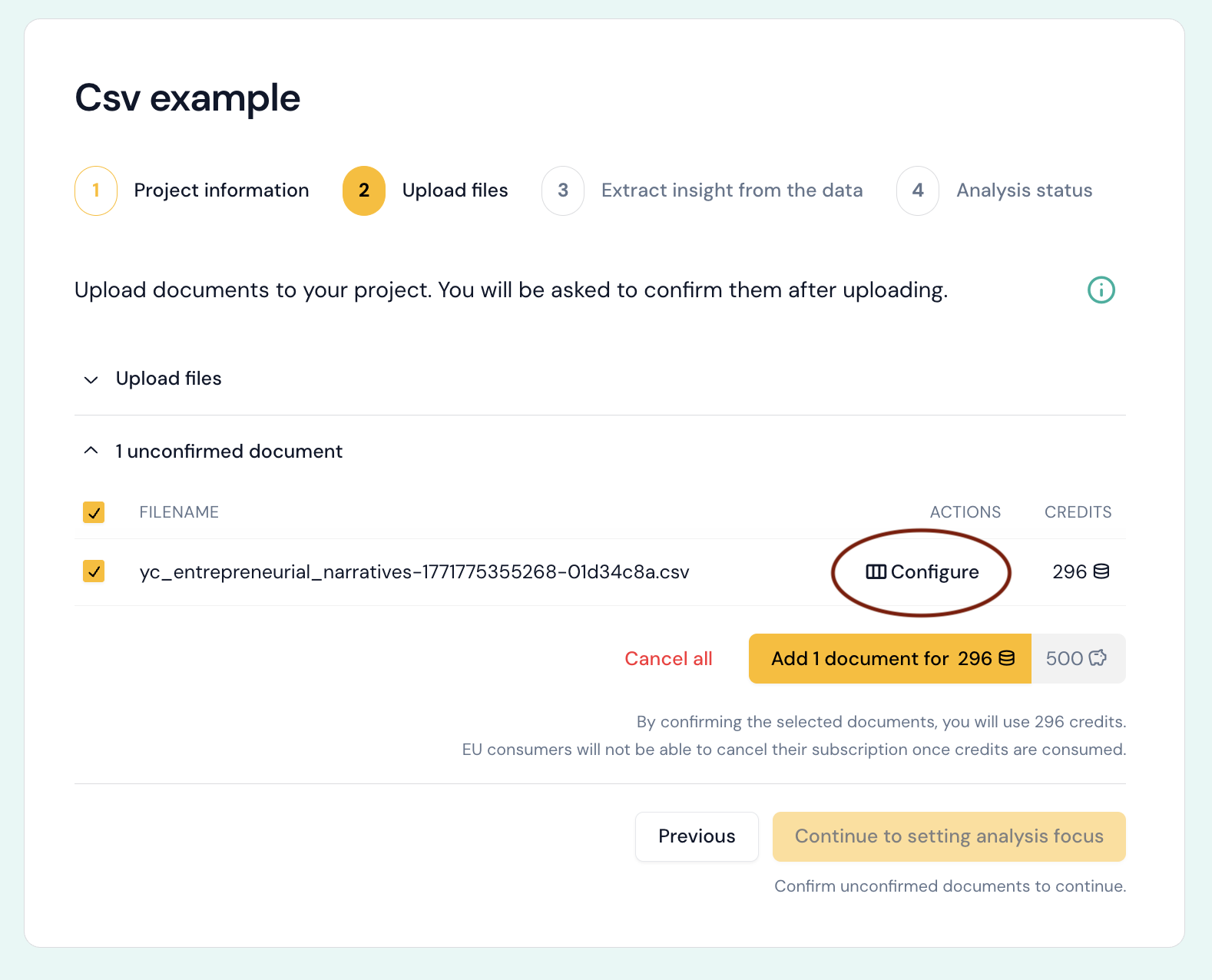
Before accepting the file, you should click "Configure" to see the columsn Skimle is about to import.

For each column, you can choose whether it is included as content inside your document, as a metadata field, or ignored. You may want to edit the column headings before importing, as the first row of the CSV or Excel file is used to create section headings and metadata field names.
 This is an example what the document looks like with names of "Content" columns as headings and the contents of the corresponding row as the text under the header. Thus, each document row will be its own document in Skimle. Note that headers are only created for those column that have a non-empty value in the corresponding spreadsheet or CSV row.